Quote & Cut Machine & Cutting Settings
Configure machine time, material pricing, nesting rules, gas costs and markups once—then let Quote & Cut apply the same commercial logic to every customer DXF.
Pricing Built Around Your Workshop
Small pricing gaps become expensive across hundreds of parts. Quote & Cut combines machine time, sheet usage, gas, handling and margin rules in one repeatable calculation, helping every online quote reflect how your business actually cuts and charges.
Product Demo
Watch how Quote & Cut is configured with a machine hourly rate, full-sheet handling cost, Full Sheet, Prorated or Straight Cut Off material pricing, low-utilisation uplifts, nesting gaps, markups, minimum prices and hourly gas costs. Then see the administrator diagnostics explain how those values build a live customer quotation.
Keep the commercial rules behind your laser-cutting prices in one place. Quote & Cut combines the selected material data with your machine, nesting, gas and markup settings whenever a customer requests a price.
Follow the full workflow, from entering machine and sheet-level costs to selecting a material-pricing model, controlling nesting behaviour and checking the final cost breakdown through administrator diagnostics.
The Difference
When machine time, sheet usage and overheads live in separate spreadsheets or inside one person’s head, quotes vary. Quote & Cut turns those inputs into a shared pricing system used on every online job.
How It Works
Enter the machine hourly rate and the handling cost charged for each full sheet used by a nesting job.
Select Full Sheet, Prorated Bounding Box Cost or Straight Cut Off, with optional uplifts for low sheet utilisation.
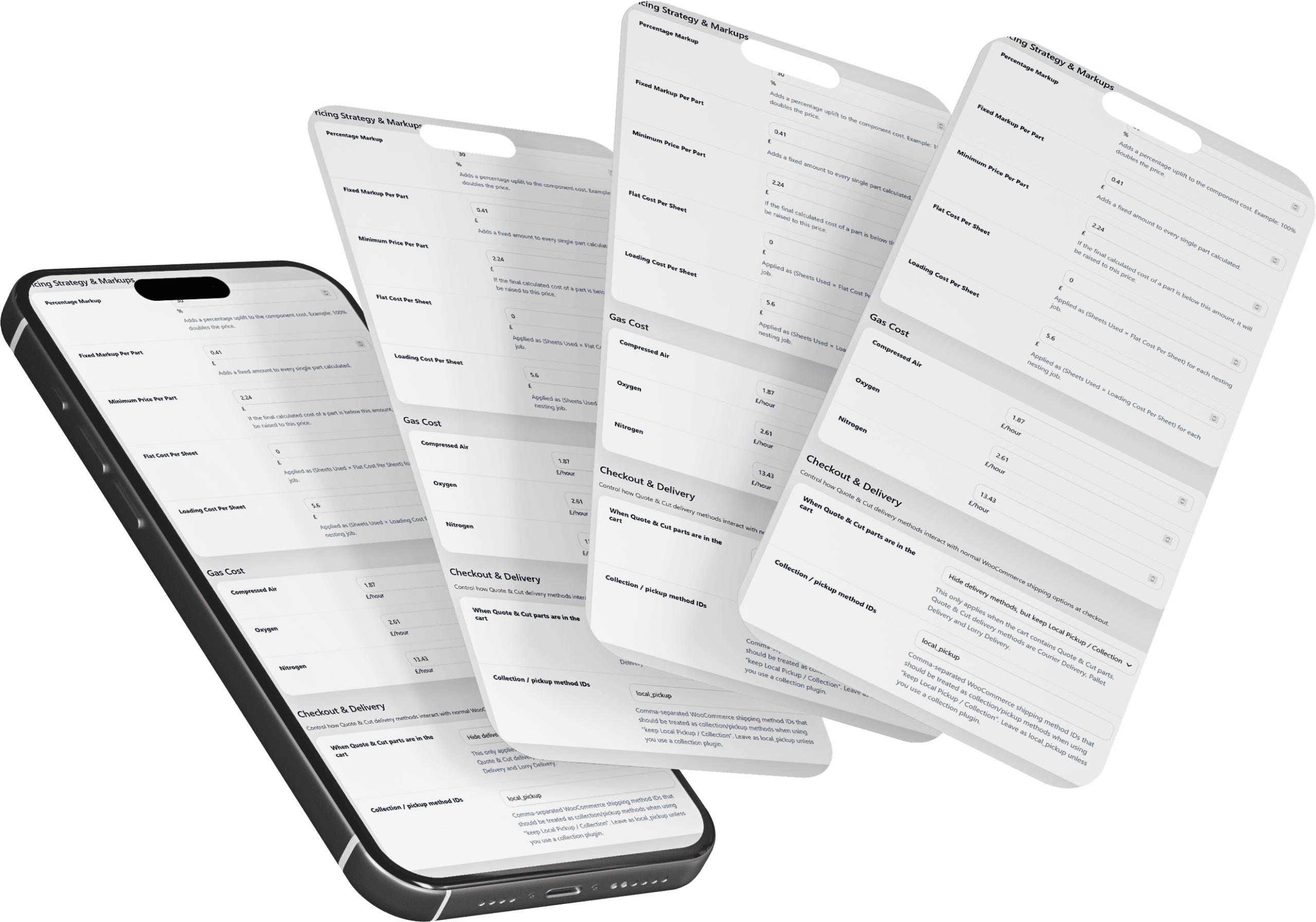
Configure percentage and fixed markups, minimum part prices, sheet-level charges and hourly gas costs.
Quote & Cut combines these settings with material cut data, then shows logged-in administrators a detailed diagnostic breakdown.
Why It Matters
Customers receive fast online prices, while your business keeps control of the machine rates, material-use rules and commercial safeguards behind every result.
Feature Highlights
Real pricing controls for laser-cutting businesses, managed directly from the Quote & Cut settings page.
Set the hourly laser rate and a handling charge per full sheet, so cutting time and material movement are recovered consistently.
Choose Full Sheet, Prorated Bounding Box Cost or Straight Cut Off to match the way your business charges for sheet material.
For Prorated and Straight Cut Off pricing, add an uplift below a chosen utilisation threshold to protect against costly sheet waste.
Use each material’s configured part gap or apply one fixed sheet gap, with optional limits on the number of sheets allowed per order.
Apply percentage and fixed per-part markups, minimum part prices, flat sheet charges and loading costs to every nesting job.
Store hourly rates for compressed air, oxygen and nitrogen, then inspect a detailed cost and time breakdown after calculations.
Get Started Today
Install Quote & Cut, configure your real machine and cutting costs, and start giving customers fast online prices without giving away your margin.
Discount Applied Successfully!
Your savings have been added to the cart.
